
Find the right icon before your coffee cools
Pixelmint's docs now have a live icon search. Type a word, preview the icon at real sizes and copy its tag in one click.
On this page4 sections
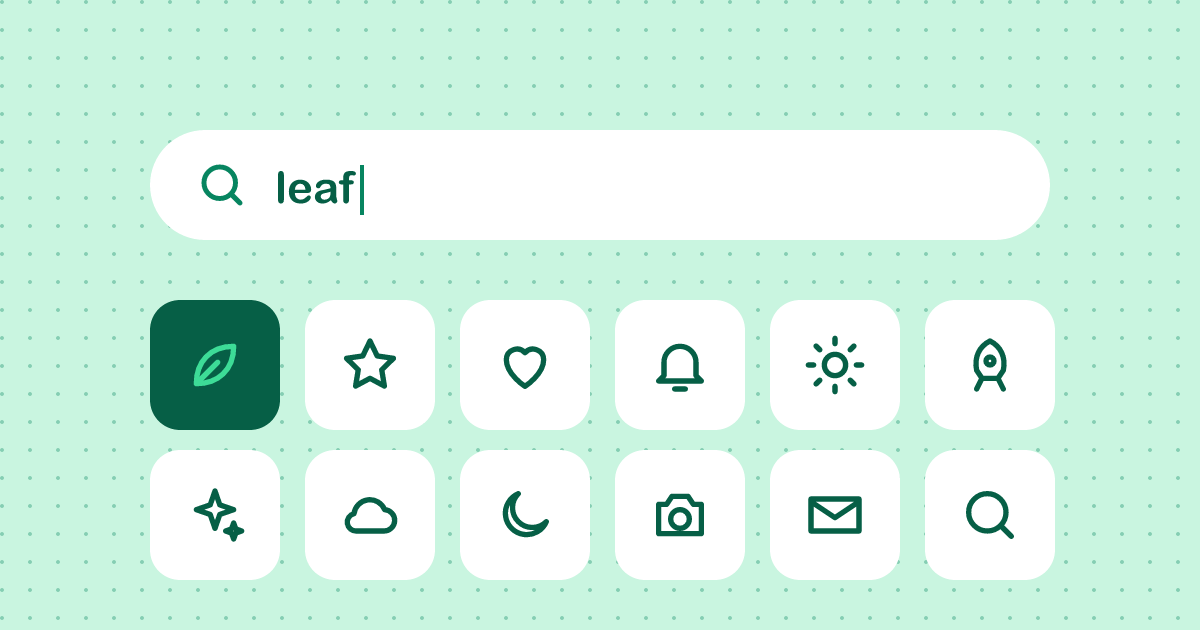
Pixelmint has 1,840 icons now, and the most common support question is “do you have one for X?”. The answer is usually yes, under a name you didn’t guess. So we put a search box right here in the post. New
Try it
Search by name or by what the icon means. “weather” finds the sun, moon and cloud. “plant” finds the leaf and the sprout. Click an icon to preview it at 16, 24, 32 and 48 pixels, then click the tag under the preview to copy it.
This box is a React component from snippets/icon-search.jsx. It holds 16 icons so the page stays light. The full catalog search on our docs uses the same code with all 1,840.
Copy a name from anywhere
Icon names in our posts are buttons now. Click or and the name lands on your clipboard, with a small toast to confirm it.
Install
React
npm install @pixelmint/reactVue
npm install @pixelmint/vuePlain SVG
npx @pixelmint/cli copy leaf sprout --out ./iconsYou need Pixelmint 3.2 or newer for the size and stroke props.
Then use an icon like any other component:
import { SproutIcon } from "@pixelmint/react";

<SproutIcon size={24} stroke={1.5} aria-label="Plant growth" /><script setup>
import { SproutIcon } from "@pixelmint/vue";
</script>
<template>
<SproutIcon :size="24" :stroke="1.5" aria-label="Plant growth" />
</template>Keyboard
The search box works without a mouse. Press Tab to move to an icon and Enter to preview it. On our docs, / jumps straight to the search field.