Redrawing 400 icons on one 24 px grid
Our oldest icons came from four designers and three years. Here's how we brought them onto one grid with one stroke weight.
On this page4 sections
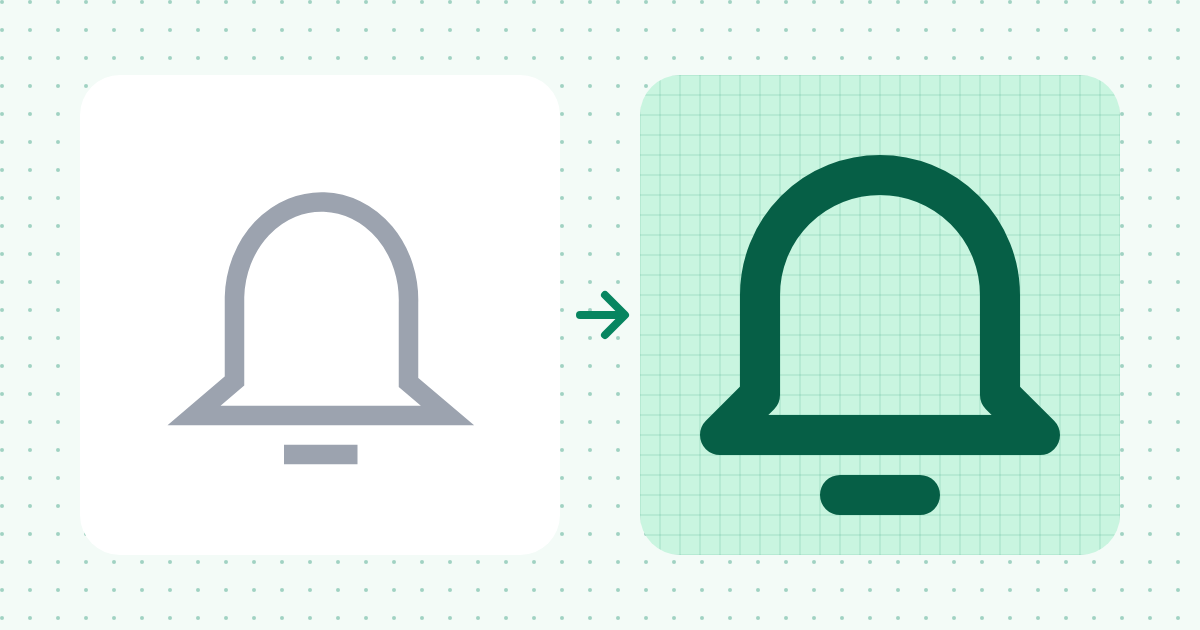
Pixelmint started as a side project in 2023. By this spring, 400 of our icons came from four people with four ideas about corners. Put next to and you could tell they were drawn a year apart.
Drag to compare
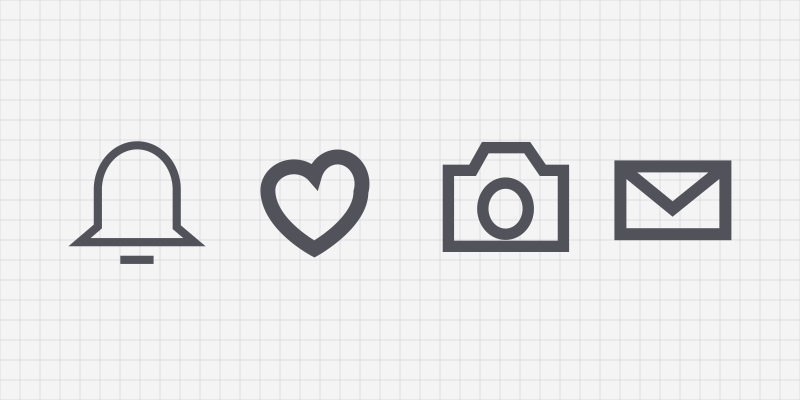
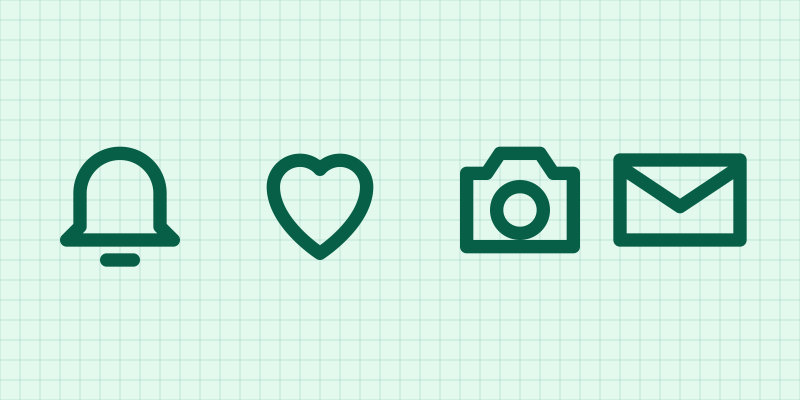
Move the slider to see the old set on the left and the redrawn set on the right.
 2.x3.0
The old icons mix 1.2, 1.6 and 2.4 px strokes, sharp and round joins, and shapes that sit half a pixel off the grid. At 16 px that half pixel turns into a blurry edge.
The rules we drew by
One grid
Every icon sits on a 24 × 24 grid with 2 px of padding. Shapes snap to whole pixels.
One stroke
Strokes are 2 px with round caps and round joins. The
strokeprop scales them, so 1.5 still looks right.One set of shapes
Circles are 18 px for round icons and squares are 16 px, so a camera and a calendar feel the same size.
Check at 16 px
Juno reviewed every icon at 16 px on a non-retina screen. If it blurred, it went back.
Watch an icon draw itself
Every redrawn icon is a single stroke path now, which also means it can animate with nothing but CSS.
.draw-on path {
  stroke-dasharray: 1;
  stroke-dashoffset: 1;
  animation: draw 1.2s ease-out forwards;
}
@keyframes draw { to { stroke-dashoffset: 0; } }
Add pathLength="1" to each path so the same CSS works for every icon.
Swapping icons in Figma
Ravi built the Figma plugin to make the move painless. Select a frame, and the plugin lists every old Pixelmint icon in it with its 3.0 replacement.